Clock in wherever each employee is
An office, a workshop, a clinic, a shop or a team working in the field: every company clocks in its own way. That's why there are three ways to record working hours, and they all end up in the same time record and the same payslip.
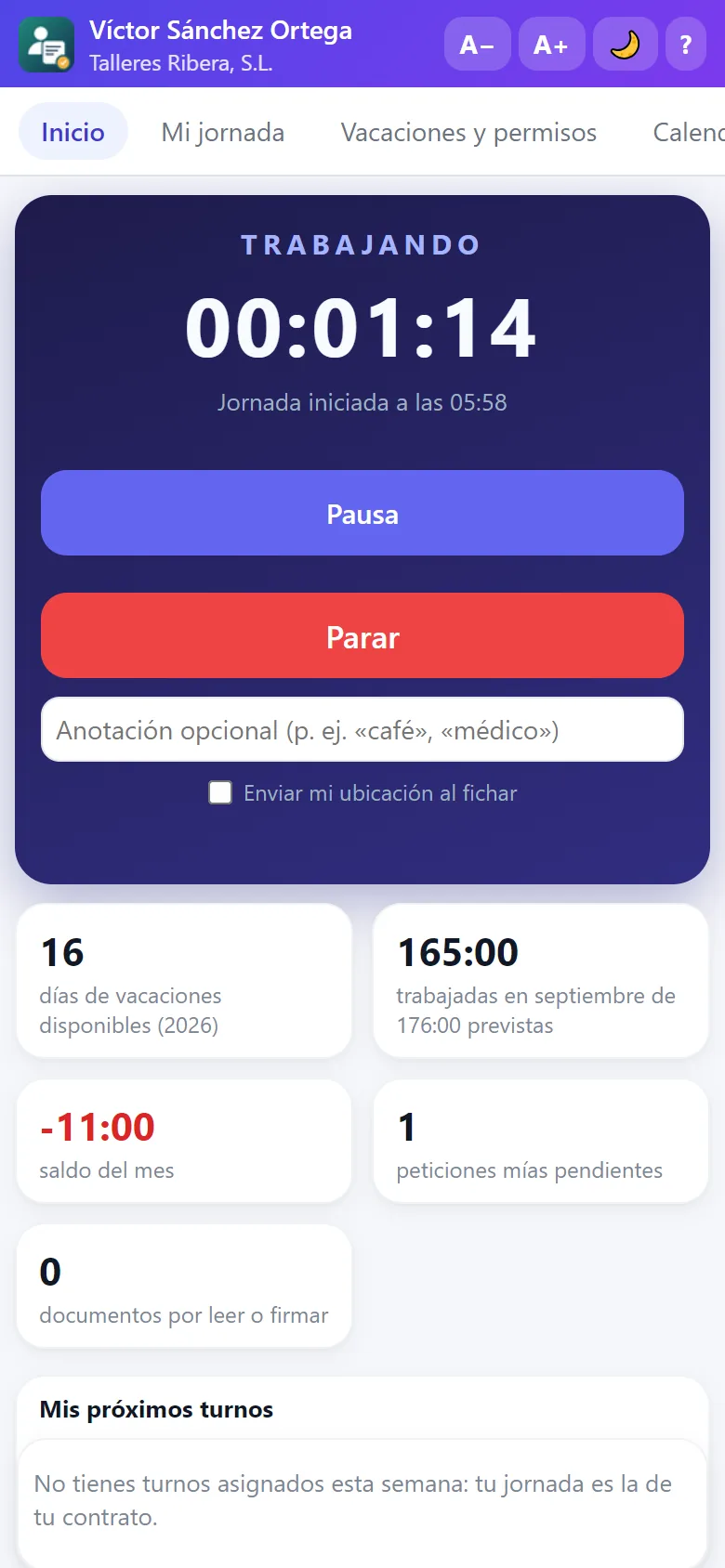
Employee portal for iPhone, iPad and Android
The employee portal is a progressive web app: it opens in the phone's browser and, with “Add to Home Screen”, it is installed with its own icon like any other app. No app stores, no updates to chase each employee for and no memory used up.
- iPhone and iPad (Safari) and Android (Chrome, Samsung Internet…).
- Also on any computer running Windows, Mac or Linux.
- Location when clocking in if the company enables it, and clock-in with the workplace's QR code.
- Everything in the portal: holidays, payslips, documents, expenses, shifts, training and announcements.
Clock-in app for the computer
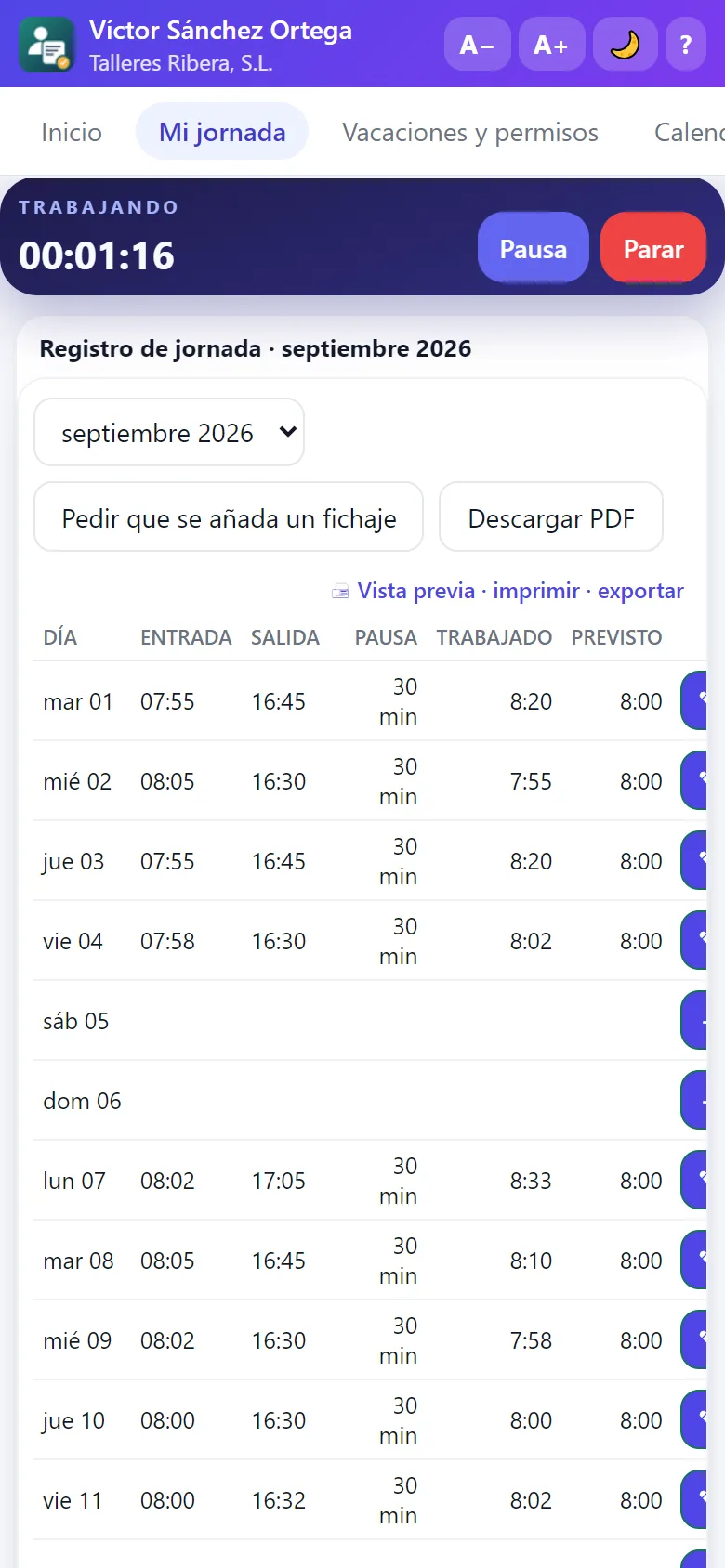
For people who work at a computer, the clock-in app for Windows sits next to the clock: one click to start, pause or finish the working day. The clock lives on the server: closing the window, suspending or switching off the computer does not stop the working day, and clock-ins are sent even if the connection drops for a moment.
- One-click clock-in from the system tray.
- Offline: it saves the clock-in and sends it when the Internet comes back, with its real time.
- Their records: today, the week, previous months, hours balance and the PDF of the time record.
- Calendar and requests: shifts, holidays, requests, corrections, hours per project, payslips and notices.
- In Spanish, English or French, with a light or dark theme. The password is kept in the Windows secure store.

Clock-in kiosk at the workplace entrance
A tablet or computer at the entrance, in kiosk mode: employees clock in with their PIN or by scanning with their phone the QR code shown on screen, which changes every few seconds so nobody can clock in from home. Perfect for workshops, bakeries, warehouses or shops where not everyone has a company phone.
- Personal PIN or QR code that changes every 30 seconds.
- It is enabled and disabled from the management app; each kiosk has its own access.
- Clock-ins reach the time record instantly.

A record that stands up to an inspection
No matter how people clock in: the record is the same and complies with article 34.9 of the Spanish Workers' Statute.

Tamper-proof
Each clock-in is chained to the previous one with a fingerprint: if anyone altered it from outside, the program would detect it.
Corrections with a reason
A clock-in is never deleted: it is corrected with another one that explains the reason, and the original is voided but stays visible.
Ready to hand over
Monthly record per employee to sign or hand over to the Labour Inspectorate and to employee representatives.